Size: a a a

2022 January 28

A

Arshita in Uipath RPA
How
источник

A

Akash in Uipath RPA
U could install on uipath academy if still have prblm then u can watch on YouTube u will get
источник

A

Akash in Uipath RPA
What u want to install uipath studio or?
источник

TS

Thalita Sa in Uipath RPA
I am updating my windowns maybe it work
источник

TS

Thalita Sa in Uipath RPA
Thanks for all the help.
источник

R

RAJ in Uipath RPA
First, Read data by using Read Range activity
источник

R

RAJ in Uipath RPA
Then use FOR EACH ROW activity and read the data of that specific column
источник

R

RAJ in Uipath RPA
Create a variable and store the first data in it and add the next row data in that same variable
Ex----    A = A + New data
источник

R

RAJ in Uipath RPA
Create another variable for getting the IndexOf value of the current cell/row
источник

R

RAJ in Uipath RPA
At last, you have the total sum of that column in the first variable, store that at desired cell/location or if you want to store that result at the end of the column then add 2 or 3 in second variable and use write cell activity
источник

VR

Vaibhav Rajpoot in Uipath RPA
I am looking for RPA  developer job using uipath tool .i have experience of 1 year .can anyone help me to get the job ?
источник

M

Merza Kamaal Baig in Uipath RPA
Can anyone please share me client security hash assignment.
   Just want to check.
источник
2022 January 29

VK

Vijay Kumar in Uipath RPA
I have input value is 2266445588992211. And I need output as 26458921.
Which activity we have to use after assign value
источник

K

Khaled in Uipath RPA
Hi guys
I want to training in more examples what can i do?
источник

M

Mun in Uipath RPA
U can read input in string split into char then while writing put condition for for 26458921

U can also try with the help of regEx
источник

VK

Vijay Kumar in Uipath RPA
Thank you I will try in regex
источник

RV

Raj V in Uipath RPA
источник

AM

Ashish Mangal 956034... in Uipath RPA
I am not sure of your actual requirement but if it is just to sum values (from selected columns) of every row, you could have used (in Assign activity) datatable.columns("Total Employee Count").Expressions = "ISNULL(Convert(Tier1,System.Int32), 0) + ISNULL(Convert(Tier2, System.Int32), 0) + ISNULL(Convert(Tier3, System.Int32), 0) + ISNULL(Convert(Tier4, System.Int32), 0)"
источник

TS

Thiago Soares in Uipath RPA
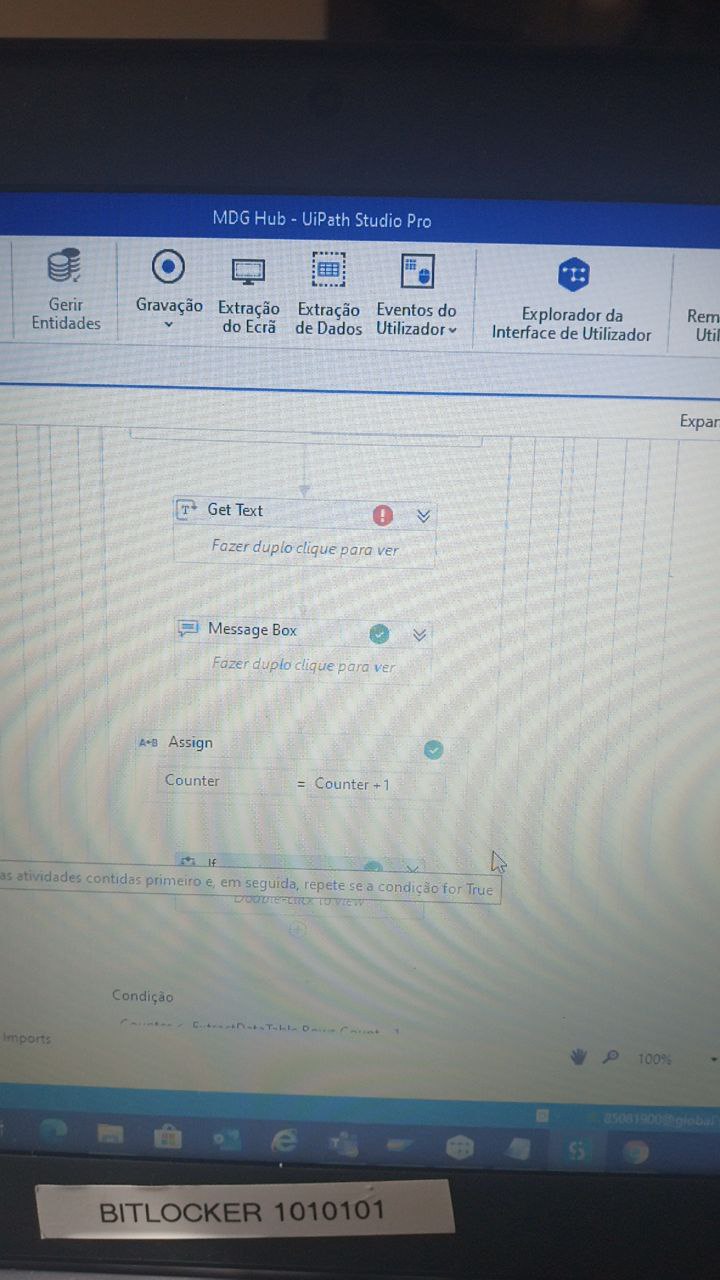
Good Morning, I'm using Do While in Uipath to do reading a table on the web, as I do so that when value is looking to exit Do While and serguir the process
источник

TS

Thiago Soares in Uipath RPA
источник